
Designing with CoDeR
3D Printing at the BAC there are design requirements that you should follow in order to receive a successful model; Try your best to start applying these principals at the start and not after the 3D object has been completed as it’s harder to make changes afterwards…
3D Model Overview:
When creating your model keep these parameters in mind as it is a MUST for making sure print is successful
SIZE is the first thing you think about when creating drafts of a model.
- How big do you want the model to be? Do I need to adjust my model scale or can I split in pieces so it fits in the printer?
- All 3D Printers have a maximum bed size we should try to design for, the “Printers” page contains all info about the sizes of beds
- If the size cannot be reduced please split the model into parts.
- All 3D Printers have a maximum bed size we should try to design for, the “Printers” page contains all info about the sizes of beds
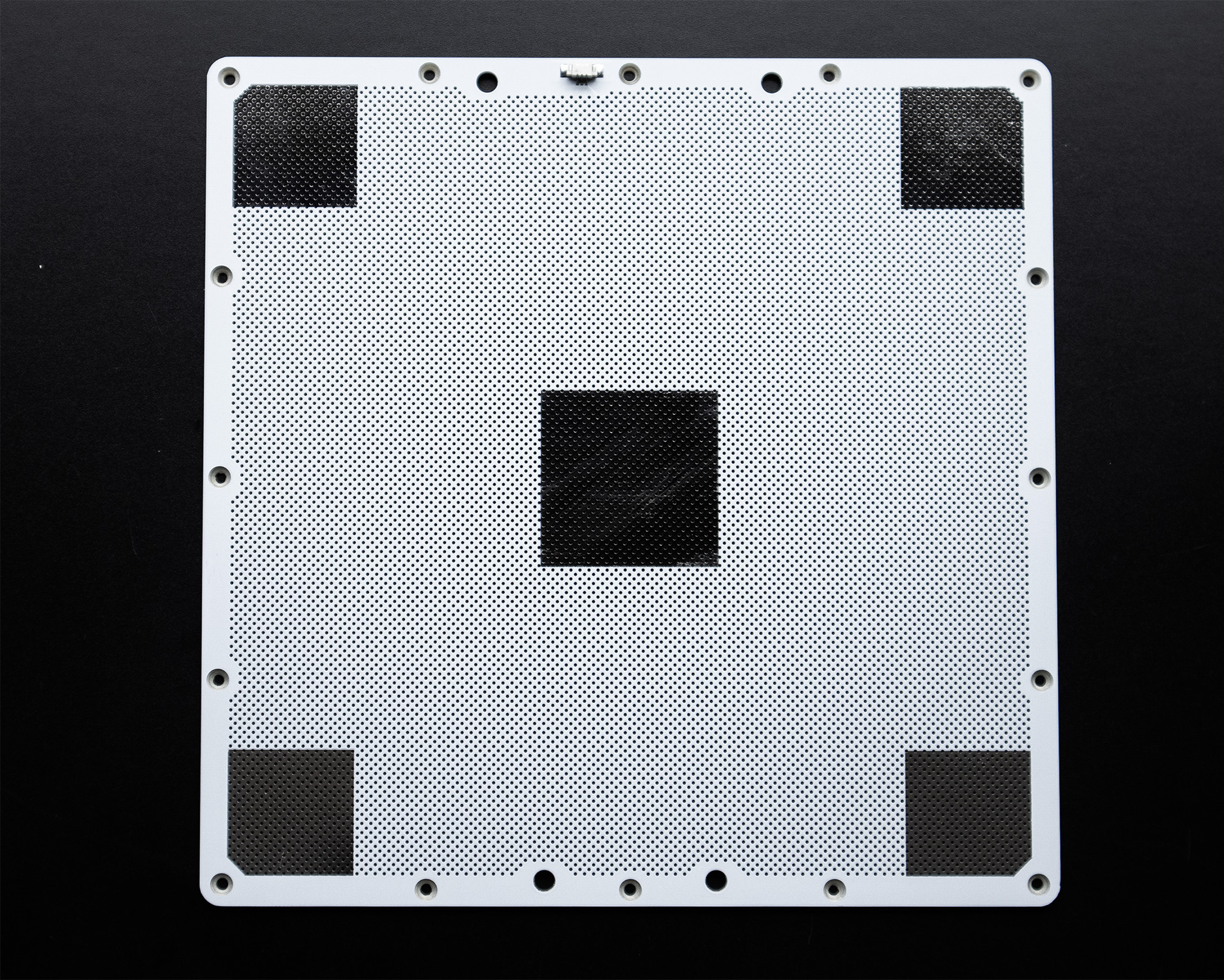
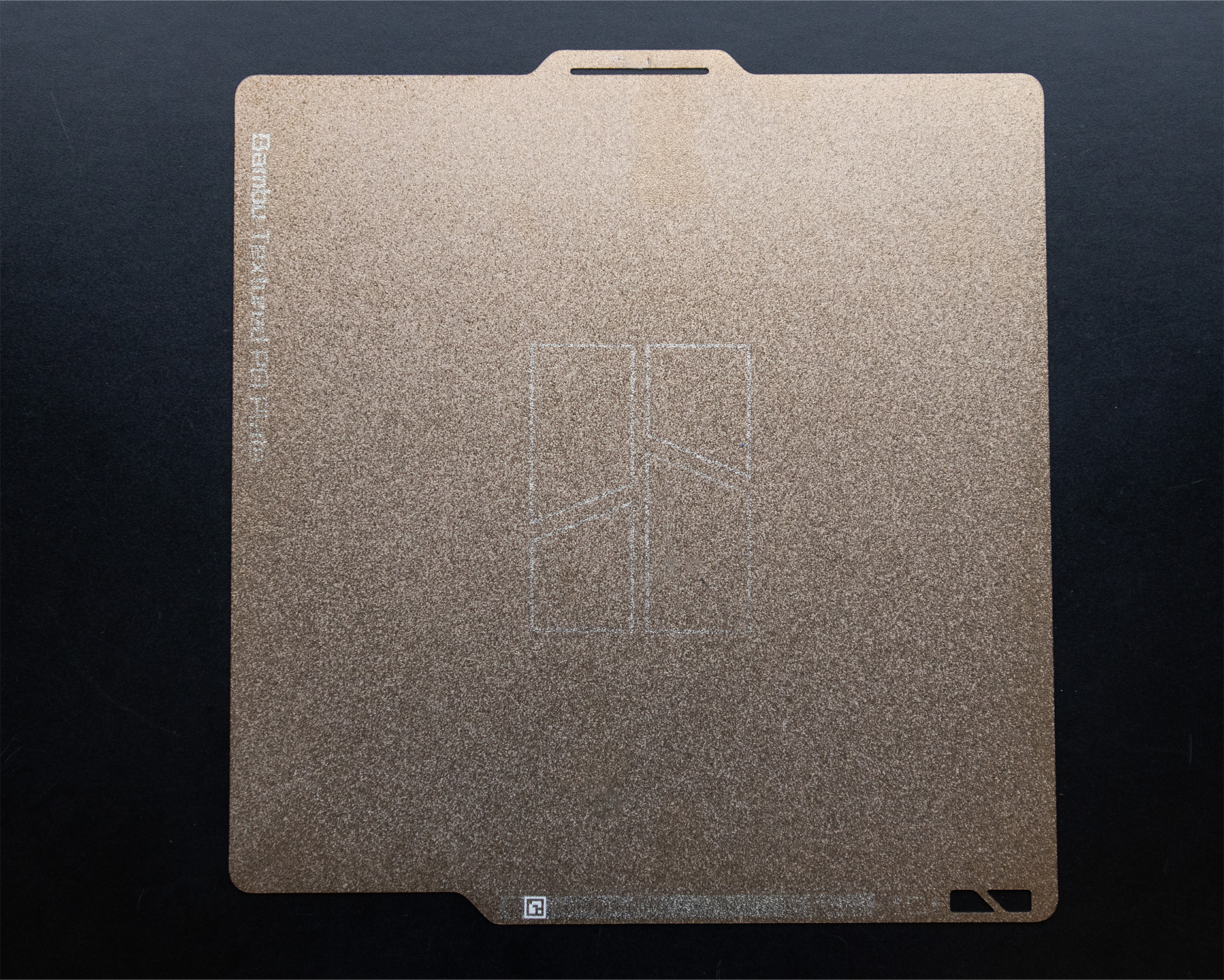
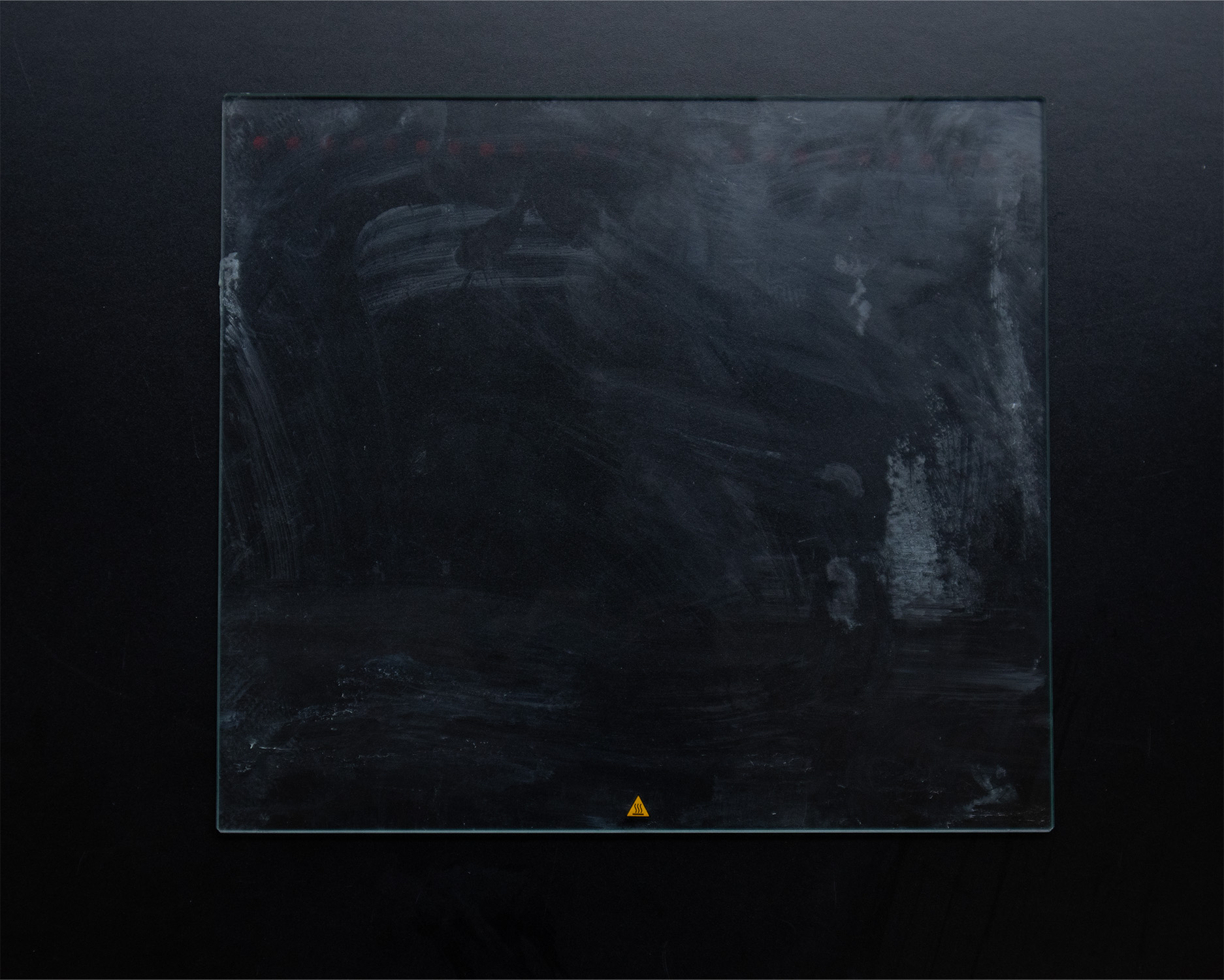
Keep in mind that you should NEVER use the full size of the bed there should always be some space left.
- Tiny details will not be shown accurately so instead show an impression of what you’re trying to convey
- Example: Instead of having a stairway and each individual step have engravings with fancy railings; keep it simple instead, show the stairs and the steps that will show the general idea, any complicated portions will require more preparation and planning from the student to receive a successful print.
- “Water-tight” models are preferred; It’s okay if you have openings from windows and doors but It has to be intentional (min 0.4mm thickness for walls)
- Openings depending on the strength or angle of the piece will generate supports in order help print complex geometry or steep overhangs; Like a support beam
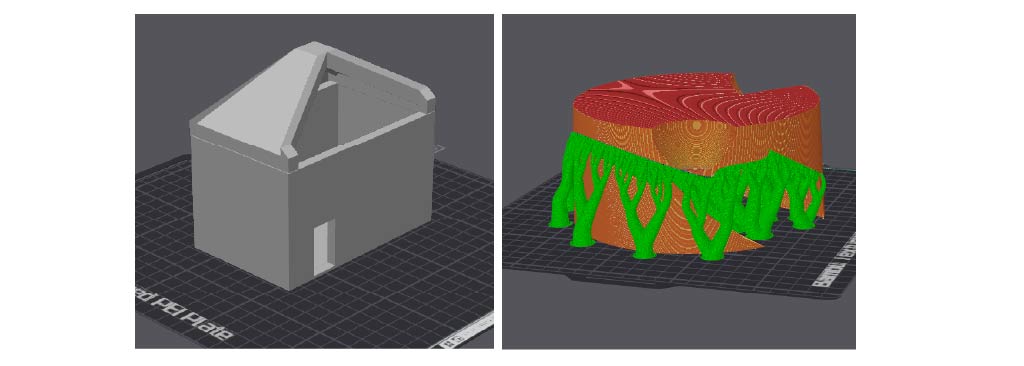
(Right) The green within the model represents overhang/openings that require additional filament to support itself.
- The importance of orientation and structure
- Based on shapes the model is comprised of; Placing the model either vertically or horizontally helps receive a visually cleaner model, improves print speed and reduces material waste and most importantly avoids potential failure.
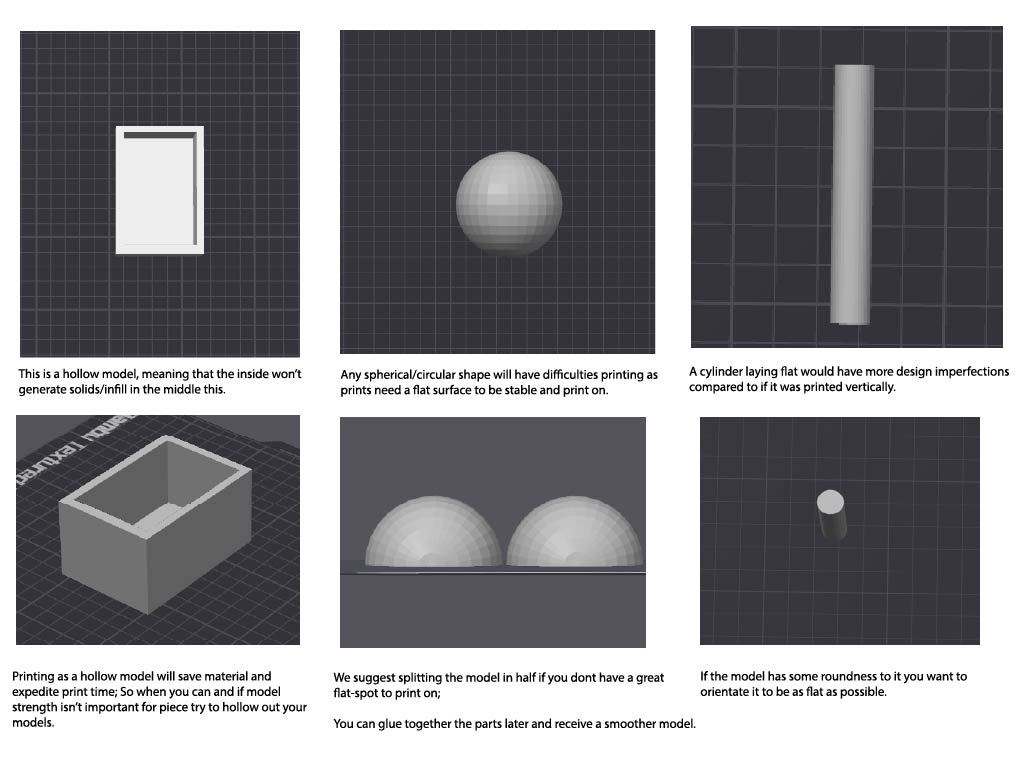
- Are you printing a tower? Bridge? Winding Staircase? An egg shaped model with openings and hollow center?
- Depending on all these variables, the model will either have to be printed in either direction for the best layer strength, possibility of needing supports if there are overhangs or acute angles
- Should be printed on a flat surface; Horizontal or Vertical depending on which prints faster, with the least amount of support material used.
- Vertical = for cosmetic purposes
- Horizontal = for strength and function
- Most importantly please make sure to have a flat enough surface so printing will be easier
- Should be printed on a flat surface; Horizontal or Vertical depending on which prints faster, with the least amount of support material used.
- Depending on all these variables, the model will either have to be printed in either direction for the best layer strength, possibility of needing supports if there are overhangs or acute angles